

Why Coffee Makers Stop Brewing Over Time (And the Warning Signs Most People Miss)
As an Amazon Associate I earn from qualifying purchases.
Coffee makers rarely stop brewing without warning. In most homes, the problem develops slowly — long before the machine refuses to brew at all.
Mineral deposits from hard water, coffee oil residue, airflow restrictions, and daily usage habits gradually interfere with internal water flow and temperature control. These changes often go unnoticed until brewing suddenly fails.
This article explains why coffee makers stop brewing over time, what internal processes are usually responsible, and how to recognize early warning signs before performance drops completely.
If your coffee maker has already stopped brewing, follow our step-by-step repair guide here:
How to Fix a Coffee Maker That Won’t Brew.
In This Article
Why Brewing Problems Often Go Unnoticed
Before taking anything apart or running cleaning cycles, make sure the issue isn’t caused by a basic setup problem. These quick checks solve more brewing failures than most people realize.
- Confirm the machine is heating: If there’s no warmth at all, the issue may be electrical rather than mechanical.
- Check the water reservoir: Even slightly misaligned tanks can prevent brewing.
- Inspect the brew basket: Overfilled or compacted coffee grounds can block water flow.
These issues often don’t stop brewing immediately. Instead, they restrict water flow slowly until the machine can no longer complete a brew cycle. Identifying and clearing these restrictions is usually enough to restore normal operation.
Related maintenance: Grease and residue don’t just affect coffee makers. Over time, buildup can impact many kitchen appliances. See how residue spreads internally in this guide on
cleaning grease from kitchen appliances.
cleaning grease from kitchen appliances.
Early Conditions That Commonly Lead to Brewing Failure
Many coffee makers stop brewing simply because water can’t move freely through the system. This doesn’t always mean a mechanical failure — it’s often caused by mineral deposits, trapped air, or improper placement.
Start by removing and reseating the water tank. Make sure it sits flat and fully connects to the intake valve. Even a small gap can stop water from entering the system.
Next, check where your coffee maker sits on the counter. Crowded spaces restrict airflow and can affect internal pressure over time.
Prevention tip: Poor placement and clutter contribute to appliance performance problems. Learn how spacing affects airflow in
organizing small kitchen counter space.
organizing small kitchen counter space.
Why Water Isn’t Moving Through the Coffee Maker
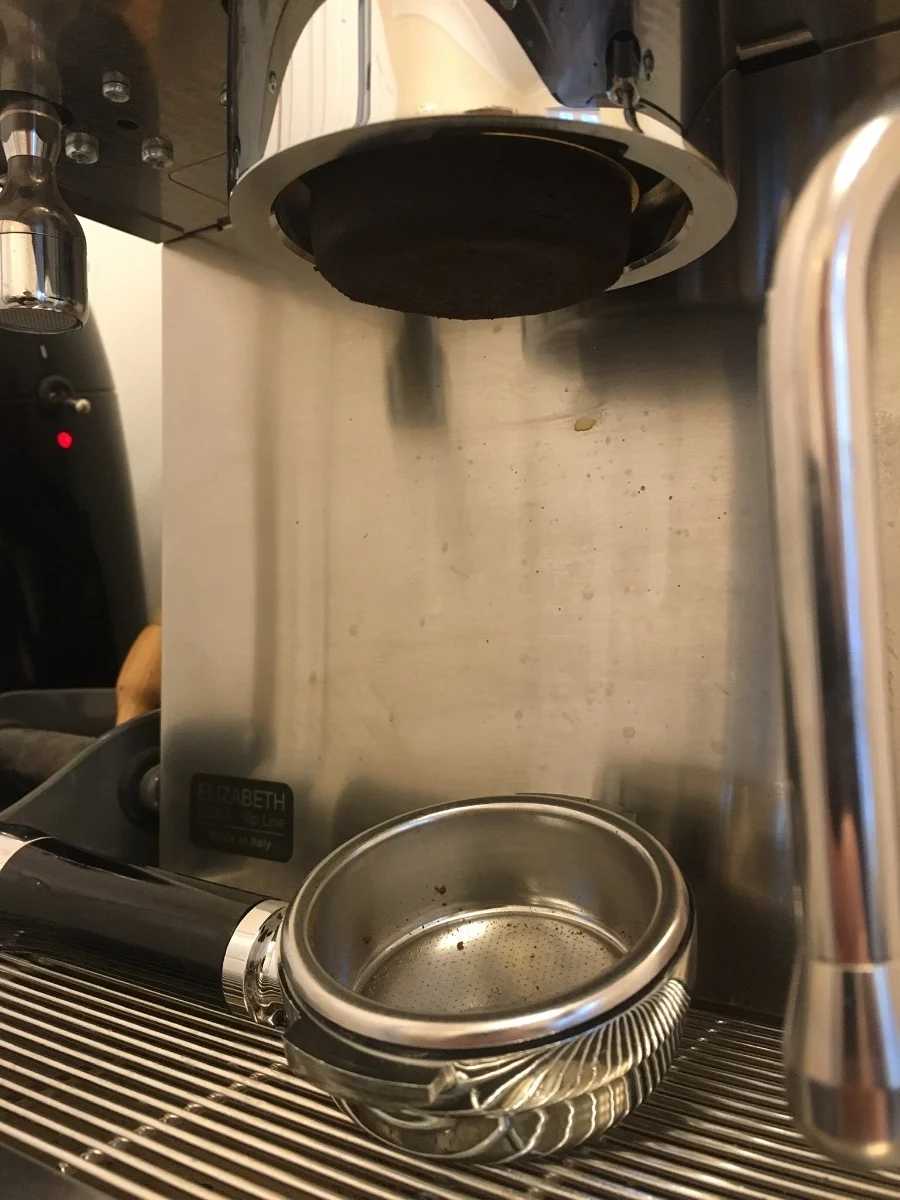
When a coffee maker won’t brew at all, the most common underlying issue is restricted water flow. Even if the machine turns on and appears to be working, internal blockages can prevent water from reaching the heating chamber or brew head.
When water flow becomes restricted, brewing can stop entirely. Mineral deposits, coffee oils, and fine debris commonly block narrow internal channels, preventing water from reaching the brew head.
Clogged Brew Head or Spray Nozzles
One of the most common internal failure points in coffee makers is the brew head. Over time, small spray holes gradually narrow as coffee oils and mineral residue accumulate.
As water pressure decreases, the machine may turn on normally but fail to complete a brewing cycle.
Mineral Buildup Inside Internal Tubes
Hard water is another major contributor to brewing failure. Minerals like calcium and magnesium form scale deposits inside internal tubes, gradually narrowing the path water must travel.
Over time, this buildup can:
- Reduce water flow speed
- Lower brewing temperature
- Trigger automatic shutoff systems
In many cases, these symptoms appear right before brewing stops completely. Addressing the blockage early often restores proper water flow without replacing the machine.
Trapped Air (Airlock Issues)
In some cases, especially after refilling an empty reservoir, air can become trapped inside the water intake line. This creates an airlock that prevents water from being pulled into the system.
To clear an airlock:
- Remove the water tank and refill it fully.
- Re-seat the tank firmly, ensuring proper alignment.
- Run a brew cycle without coffee grounds.
This simple reset often restores brewing when no visible blockages are present.
When Descaling Becomes Necessary
If basic checks don’t restore brewing, internal cleaning becomes unavoidable. Descaling removes mineral deposits that regular rinsing cannot reach.
Many coffee makers stop brewing even though the internal components still work. Removing scale buildup often restores circulation and allows the machine to brew again.
It’s also important to understand that skipping regular cleaning doesn’t just affect coffee makers. Residue buildup impacts multiple appliances over time.
This article focuses on understanding why brewing performance declines over time.
If your coffee maker has already stopped brewing completely, a separate repair guide is linked above.
Why Mineral Buildup Eventually Stops Brewing
Mineral buildup from hard water is one of the most common long-term causes of brewing failure. As scale accumulates inside internal tubing and heating elements, water flow becomes restricted and temperature regulation suffers.
This process happens gradually, often without visible symptoms, until the machine can no longer maintain enough pressure to brew.
How to Prevent Coffee Maker Brewing Problems in the Future
Once your coffee maker is brewing again, a few simple habits can help prevent the same issue from returning. Most brewing failures aren’t sudden — they build up slowly due to residue, minerals, and daily use patterns.
Clean After Regular Use
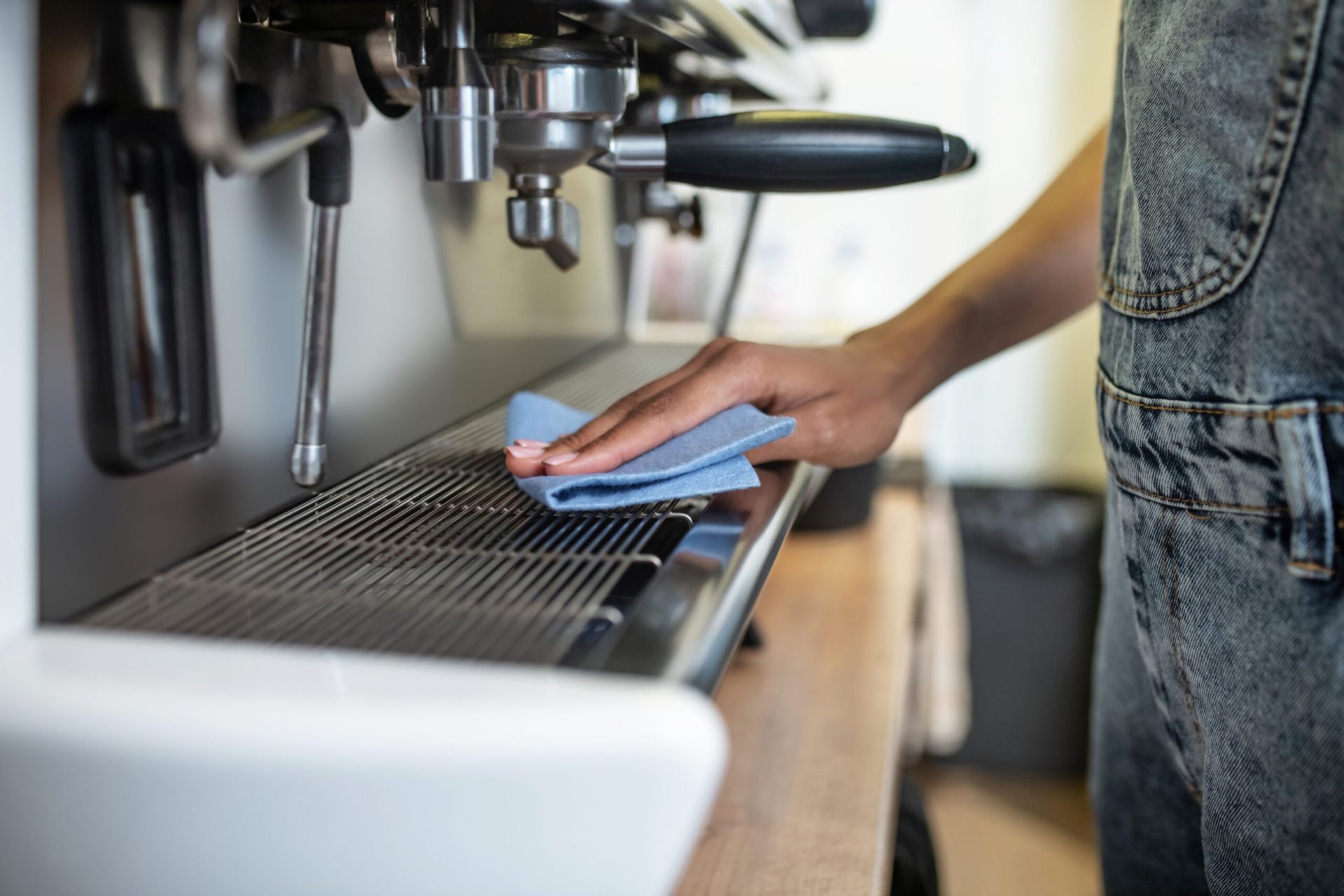
Wiping down the exterior and removable parts after use helps prevent grease, moisture, and coffee oil buildup. These residues don’t just affect appearance — they slowly work their way into internal components.
- Empty and rinse the water reservoir daily.
- Wash the filter basket regularly.
- Wipe spills and condensation from the machine exterior.
Descale on a Schedule
Even if your coffee maker appears to be working fine, mineral buildup continues inside the machine. Descaling every 1–3 months, depending on water hardness, keeps internal pathways clear.
Mind Placement and Storage
Where your coffee maker sits matters. Tight spaces restrict airflow, trap heat, and increase moisture retention, all of which contribute to long-term performance problems.
Storage tip: Poor placement and clutter can shorten appliance lifespan. See how proper spacing helps in
storing kitchen appliances smartly.
storing kitchen appliances smartly.
Signs Your Coffee Maker May Be Beyond Repair
In many cases, descaling and cleaning restore normal brewing. However, some signs indicate that repair may no longer be practical or safe.
- The coffee maker shows no signs of heating at all.
- Repeated failures occur shortly after descaling.
- You notice burning smells or electrical issues.
- The machine trips breakers or shuts off unexpectedly.
If your coffee maker continues to fail after thorough cleaning and proper maintenance, replacement may be the more reliable option — especially for older or heavily used machines.
Replacement context: If you decide it’s time to replace your machine, this guide to
the best coffee makers under $100 can help you compare reliable options without overspending.
the best coffee makers under $100 can help you compare reliable options without overspending.
Still not brewing? If your coffee maker continues to fail after cleaning and descaling, it’s often a sign of internal wear rather than user error.
Frequently Asked Questions
Why do coffee makers lose brewing performance over time?
This usually means water isn’t flowing properly. Common causes include mineral buildup, clogged brew heads, airlocks, or misaligned water reservoirs.
How often should I descale my coffee maker?
Most coffee makers should be descaled every 1–3 months. If you live in a hard water area or use the machine daily, monthly descaling is recommended.
Is vinegar safe to use for descaling?
Yes, diluted white vinegar is safe for most coffee makers when used properly and followed by thorough rinsing. Always avoid undiluted vinegar.
Can grease or residue really stop a coffee maker from brewing?
Yes. Coffee oils and residue can accumulate inside spray heads, valves, and internal tubing, gradually blocking water flow.
When should I stop trying to fix my coffee maker?
If the machine fails repeatedly after cleaning, shows electrical problems, or no longer heats water, replacement is usually more cost-effective and safer.
Amazon and the Amazon logo are trademarks of Amazon.com, Inc, or its affiliates.